How to choose pool service software (a buyer's checklist)
Most pool service software vendors list roughly the same features on their marketing pages: scheduling, invoicing, a mobile app, maybe a customer portal. Check what actually matters instead: whether it’s built around recurring routes, whether billing works from a technician’s phone, whether route optimization is included at your price point, and whether the app keeps working when a truck pulls up somewhere with no signal.
Start with how you actually run routes, not a feature checklist

A feature list is easy to skim and hard to act on. Almost every pool service software product on the market will claim to handle scheduling, billing, and route management in some form. The differences that actually change your day-to-day work only show up once you look at how a technician’s real Tuesday plays out: how a route gets built, how a completed visit turns into an invoice, and what happens when a stop gets added or dropped at the last minute.
That’s the frame for the rest of this guide. Instead of walking through generic categories, each section below is a question worth asking any vendor before you commit, built around the parts of a pool business that behave differently from a generic field service tool: recurring routes, mobile billing, a chemistry and service history tied to the property, and reliability when a technician has no signal.
Recurring route scheduling
Pool service is fundamentally recurring. A customer signs up for weekly or bi-weekly visits, not a single job, and that visit repeats on the same day for months or years until something changes. Software built primarily for one-off work, quotes, jobs, invoices, one at a time, tends to bolt recurring service on as an afterthought: a repeating calendar event rather than a real recurring route scheduling system that understands frequency, pauses, and cancellations as first-class states.
The distinction matters more than it sounds. When a customer pauses service for a month, does the software quietly reschedule every future visit correctly, or does someone have to manually delete and recreate weeks of appointments? When a technician calls in sick, can the whole day’s route be reassigned without breaking the recurring pattern for the following week? These aren’t edge cases for a route-based business. They’re a normal Tuesday.
Questions to ask:
- Was recurring service designed into the core scheduling model, or added as a repeating one-off job?
- Can I pause, resume, or change the frequency of a customer’s service without recreating it from scratch?
- What happens to future visits if I skip or reschedule a single one?
Route optimization: is it included on every plan, or gated behind a higher tier?
Route optimization resequences a technician’s stops to cut drive time, and for a route with more than a handful of properties, it’s one of the highest-leverage features available. It’s also a feature that some pool service software gates behind a higher-priced tier or a minimum number of technicians, so it’s worth checking directly at the price point you’d actually pay rather than assuming it’s included because it’s shown prominently in a demo or a top-tier screenshot.
As of July 2026, Skimmer’s published pricing structure reserves multi-technician route tools for its higher tier rather than including them at every price point (getskimmer.com/pricing, snapshot cited on PoolTechDesk’s comparison page). This is mentioned as a factual, dated data point about tier structure, not a judgment on the product. All product names, logos, and brands referenced here are property of their respective owners; verify current pricing and feature availability directly with the vendor before deciding.
The broader point holds regardless of which vendor you’re evaluating: a feature that saves real drive time for a small team shouldn’t require jumping to the most expensive tier just to unlock it. If route optimization matters to how you plan to run the business, and it usually does once a route passes ten or so stops, get a straight answer on which tier it’s actually available at.
Questions to ask:
- Is route optimization available on the entry-level plan, or only on a higher tier?
- Is there a minimum number of technicians or properties required to unlock it?
- Can I try it with my actual route before committing to a plan?
Billing and invoicing that works from a phone, not just a desktop
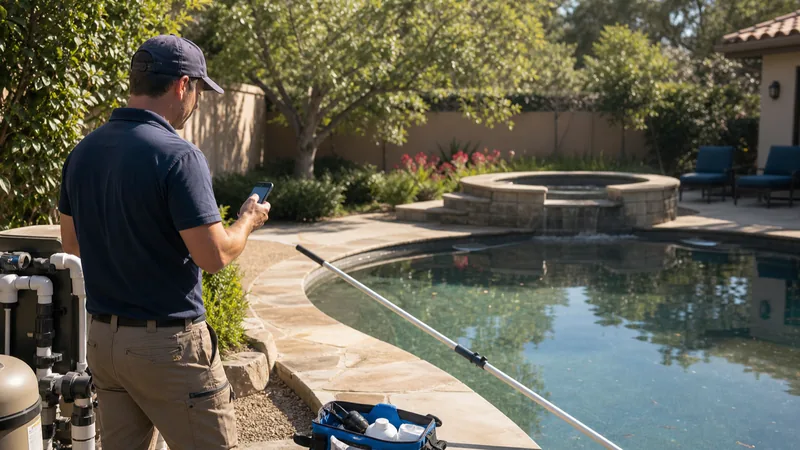
A common blind spot across the category is billing that’s really designed for a desktop computer, with the mobile app treated as a viewer rather than a full tool. That gap shows up the moment a technician finishes a visit in someone’s backyard and has no practical way to turn it into an invoice on the spot. The invoice waits until someone gets back to an office computer, which means it goes out later than it should, and later invoices tend to get paid later too.
Ask directly whether a technician can create and send an invoice from their phone at the moment a job is marked done, not just view or approve one that someone else built earlier. Mobile billing and invoicing that actually works in the field, rather than merely displaying data synced from a desktop, is one of the more meaningful differences between products that otherwise look similar on a features page.
Questions to ask:
- Can a technician create and send an invoice from their phone, not just view one?
- Does the invoice go out the same day as the visit, or does it wait for office processing?
- Does the mobile app support the full invoicing workflow, or only a read-only summary?
A dated chemistry and service log, not just a job checklist
Marking a job “done” doesn’t tell you much on its own. What actually holds up over time is a dated chemistry log tied to the specific property, recording pH, chlorine, and alkalinity readings from every visit, along with service history that shows what was actually done. That combination answers two questions that come up constantly in this business: was a chemical reading trending in a direction before a problem showed up, and can you prove a visit happened the way you said it did.
A generic job checklist that just marks tasks complete doesn’t capture either of those. Push on whether readings are stored per body of water (a property with a pool and a spa needs two separate histories, not one merged record) and whether that history is easy to pull up when a customer calls with a question weeks later.
Questions to ask:
- Are chemical readings recorded per visit and tied to a specific body of water?
- Can I pull up a property’s full reading and service history in a few taps?
- Does the software record readings as a log, or does it try to suggest chemical dosing? (It shouldn’t. That’s a judgment call for a trained technician, not software.)
A self-service option for customers
A customer self-service portal lets a client check service history, confirm a visit happened, or pay an invoice without picking up the phone. That’s not just a convenience feature. Every routine call your office fields, “did the tech come today,” “can you resend that invoice,” “what’s my balance,” is a call that a self-service option can absorb instead, which matters more as your customer count grows past what one person can field by phone.
This is worth asking about even if your current customers are all long-term relationships who rarely call. A portal reduces friction before it becomes a problem, not after.
Questions to ask:
- Can customers view service history and invoices without contacting the office?
- Can customers pay an invoice or approve an estimate through the portal directly?
- Is the portal accessible on mobile, since most customers will check it from a phone?
Offline reliability for technicians in the field
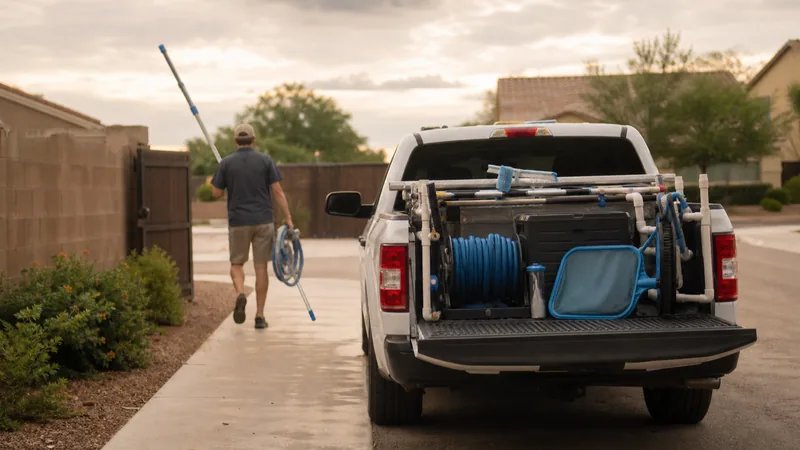
Pool routes regularly run through areas with weak or no cell signal: gated communities with thick walls, rural properties, basements where equipment lives. If the software a technician relies on requires a live connection to function, every one of those stops becomes a place where work either doesn’t get logged or gets logged incorrectly after the fact from memory.
An offline-capable mobile app should let a technician log chemical readings, mark a visit done, and take photos with zero signal, then sync everything automatically once they’re back in range, without creating duplicate entries or losing data in the process. Ask specifically how a vendor handles this rather than assuming “mobile app” means it works offline. A lot of mobile apps in this category are really just responsive websites that stop functioning the moment a connection drops.
Questions to ask:
- Does the app work fully offline, or does it require a live connection to log a visit?
- What happens to data entered offline once the device reconnects? Does it sync without creating duplicates?
- Has this been tested on a real route with a known dead zone, not just described in a sales call?
Pricing structure: per-pool fees vs a flat rate
Pricing models in this category generally split into two approaches: a base fee plus a per-pool or per-property charge that grows as your route grows, or flat monthly pricing at a fixed tier regardless of how many properties you add within that tier’s limits. Neither model is universally right or wrong, but they scale very differently as a business grows from a handful of accounts to dozens.
Run the math against your actual growth plan rather than your current customer count. A per-pool model that looks affordable at twenty properties can cost meaningfully more at eighty, while a flat tier that seems like overkill today might already be the better deal once you factor in where you expect to be in a year. If you want to see the mechanics of comparing pricing models against a specific published example, PoolTechDesk’s comparison page walks through the numbers in detail using a real published pricing structure as the reference point, with the source and date cited.
Questions to ask:
- Does the price grow per property added, or does it stay flat within a tier?
- At my current property count, and at double that count, what would each pricing model actually cost?
- Are there features (like route optimization) that are only unlocked once I cross into a higher tier?
Putting it together
None of these seven areas matter equally to every business. A solo operator with a dozen long-term customers might care most about offline reliability and a simple chemistry log, while a business adding a second or third technician is going to feel route optimization and billing speed first. The point of going through the list vendor by vendor isn’t to find the one with the longest feature page. It’s to find the one that matches how routes, billing, and customer communication actually work at your business, at the size you’re at now and the size you’re planning to grow into.
See how PoolTechDesk handles recurring routes, mobile billing, and offline reliability, at a flat monthly rate with no per-pool fees.